engineering clock for mac
Make time look good.
a clock, engineered. hours and minutes each ride a knob, seconds climb a fader, an led keeps the beat and the day sits on a soft-grey lcd.
universal binary · macOS 13+ · instant download · yours forever
Two colorways.
fig. 01 — finishes
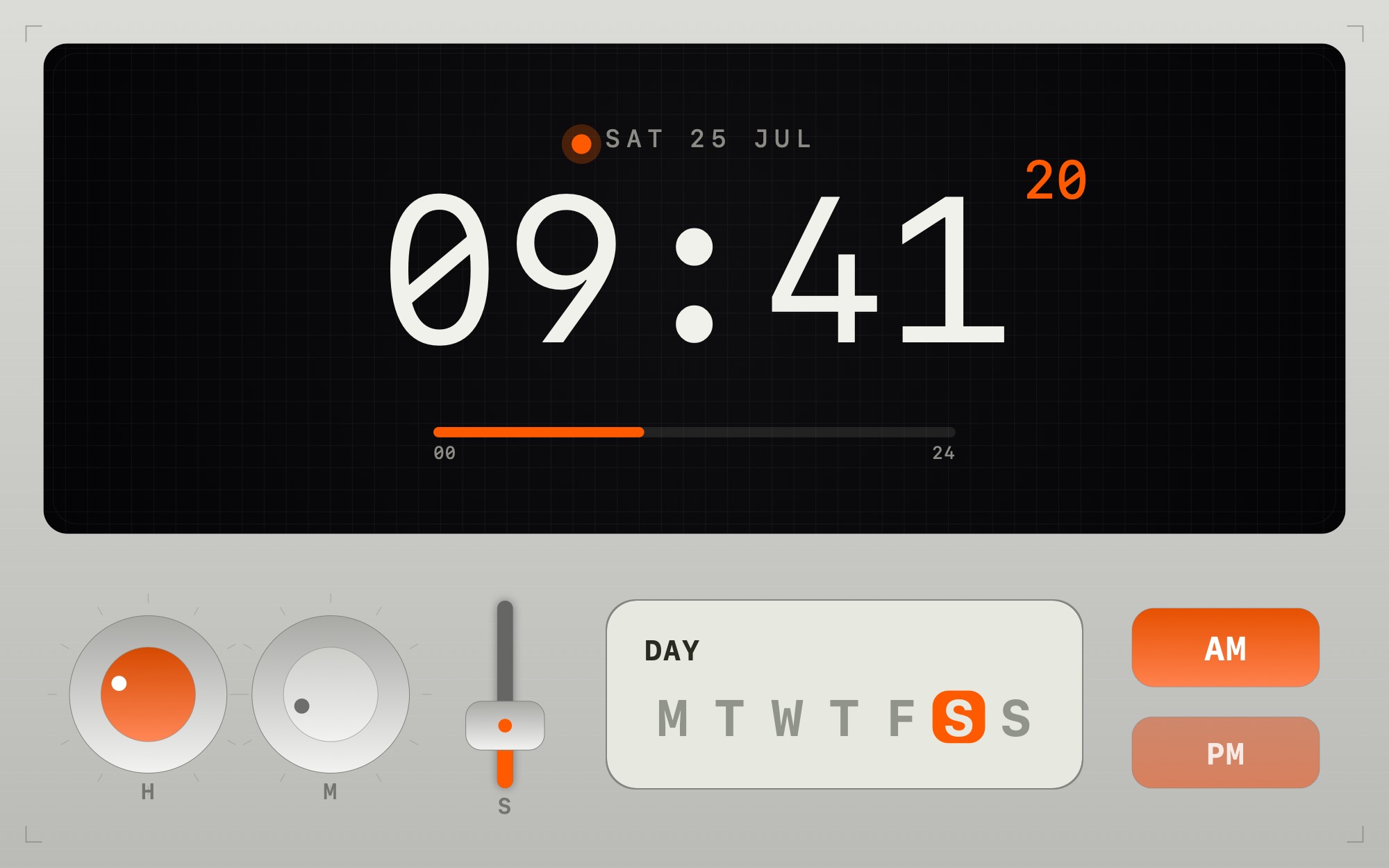
aluminiumbrushed body · black display
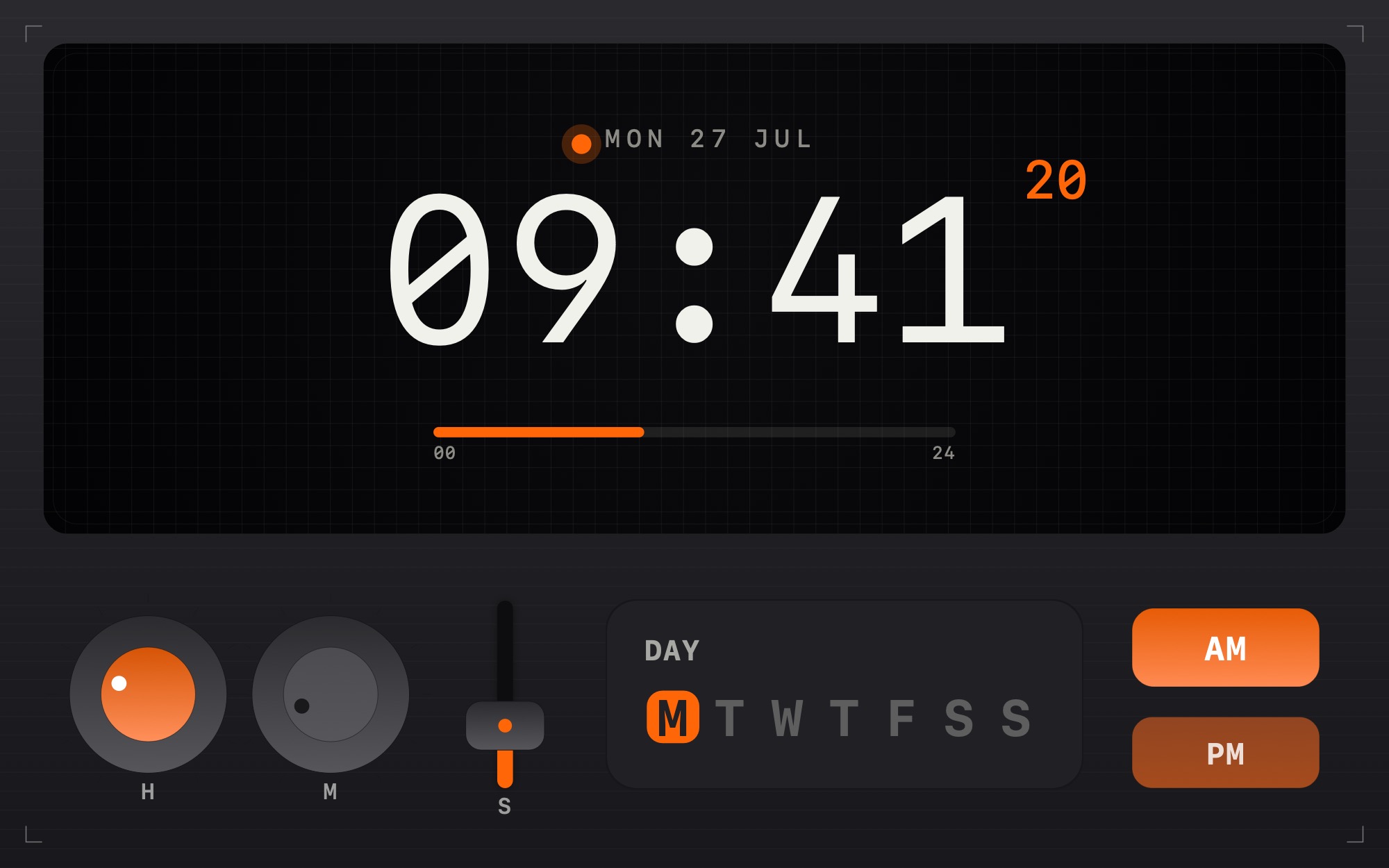
graphitedark body · grey lcd
How it runs.
fig. 02 — install
01
Buy & download
$9 through a secure checkout. a private link lands in your inbox — unzip it to get engineering clock.saver.
02
Install
double-click the .saver; macOS adds it to your screen savers. pick “this user” or “all users”.
03
First launch
it's ad-hoc signed, not notarized — so macOS asks you to confirm. open System Settings ▸ Privacy & Security and click Open Anyway. one time only.
then: System Settings ▸ Screen Saver ▸ engineering clock ▸ Options… — theme, 24-hour, seconds fader, led.
Nine dollars. Yours forever.
fig. 03 — delivery
engineering clock — 1 mac
$9.00 · one-time
- formatnative .saver bundle
- architecturearm64 + x86_64
- requiresmacOS 13 ventura+
- deliveryinstant download
- updatesfree, forever
first launch: macOS can't verify the developer — open Privacy & Security and click “Open Anyway”. one time only.